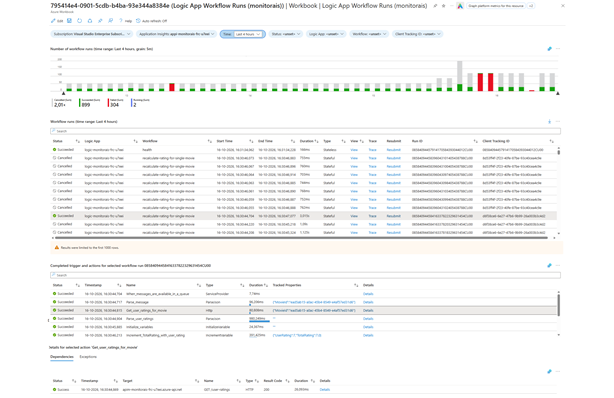
The Insights screen of a Logic App shows workflow runs, but only for a single Logic App and with some limitations. In this post, I walk through an Azure Workbook that shows the runs of multiple Logic Apps in one place, including cancelled runs, a graph over time, trace links and the option to view or resubmit a run.
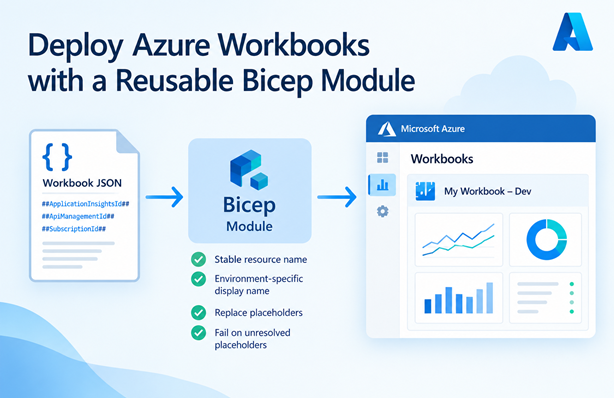
When deploying Azure Workbooks with Bicep, I use a module that constructs a stable resource name and an environment-specific display name, replaces placeholders in the workbook content and fails the deployment if any placeholders are left. In this post I explain how the module works and how to use it.
In this post I explain how to deploy an Azure workbook using Bicep and set environment specific variables. I’ll also show how to deploy a shared kusto function in Application Insights with the Azure CLI.
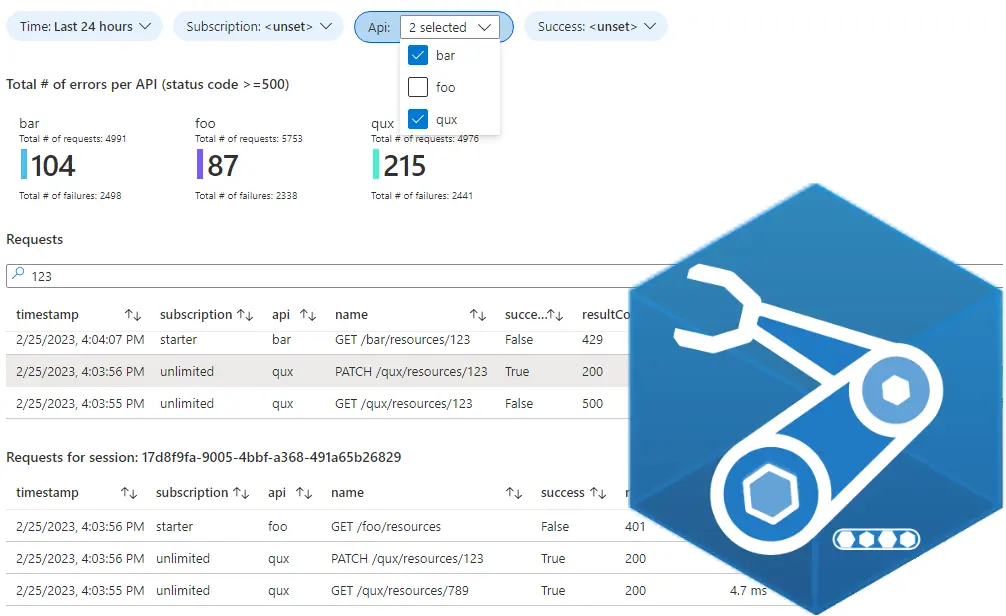
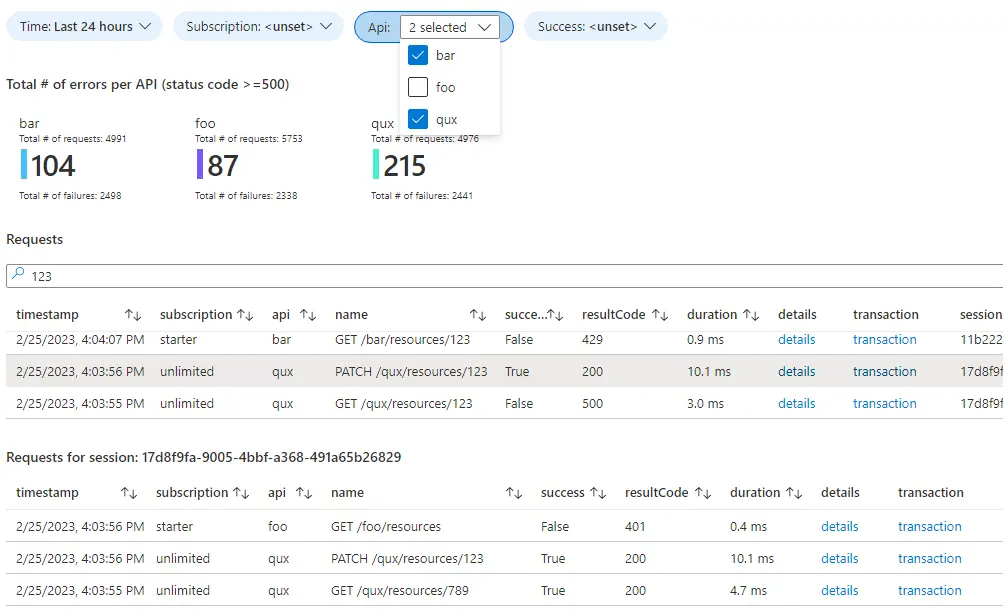
If you use Azure, you most likely use Application Insights for logging. You can use a dashboard to visualize your logging and gain better insights, but dashboards come with some limitations. For more flexibility Azure has workbooks. In this blog post I’ll share some tips & tricks that I’ve gathered over the years. As a sample, we’ll create a workbook that shows information about requests sent to an API Management instance.