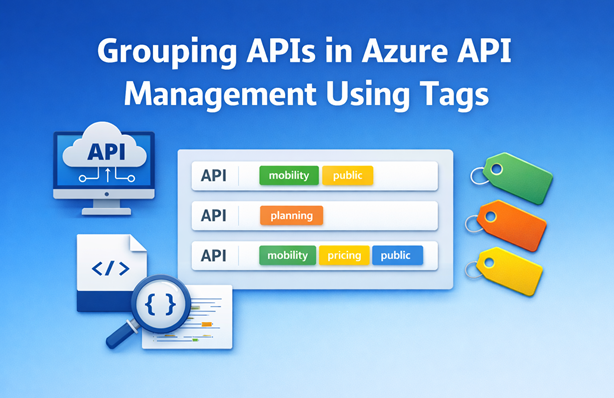
When you have a lot of APIs in Azure API Management, the view can become unwieldy. By applying tags to your APIs you can group and filter them in both the Azure Portal and the Developer Portal. In this post I’ll show you how to assign tags to APIs using Bicep and how to automatically bubble up operation-level tags from an OpenAPI spec to the API level.
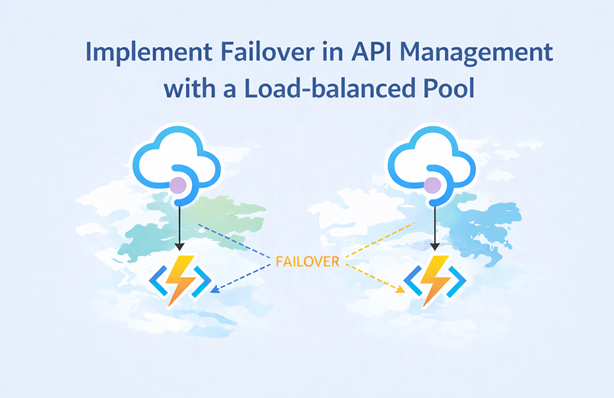
In this post, I’ll show you how to implement (regional) failover in Azure API Management using priority-based load-balanced pools, backend circuit breakers and retry policies. The setup sends traffic to the local backend by default and automatically fails over to the secondary backend when the primary backend becomes unavailable.
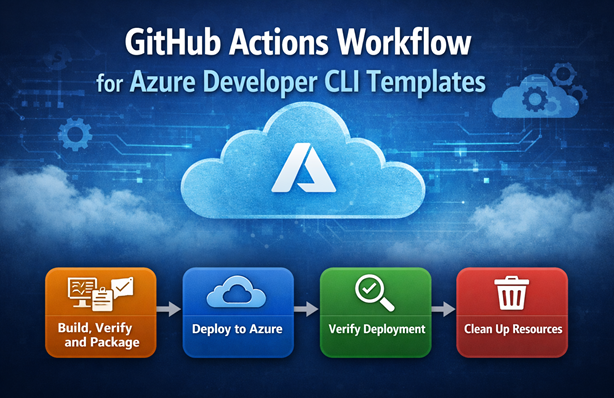
In this post, I’ll show how I structure a GitHub Actions workflow for Azure Developer CLI (azd) templates so I can automate the process of building, deploying, verifying and cleaning up. The workflow makes it easier to validate my own changes and review external contributions. I’ll walk through each job with practical snippets and explain why I split build, deployment and verification.
I’ve created several Azure Developer CLI (azd) templates over the past year. In this post, I share practical tips and tricks for authoring azd templates, including parameter management, naming conventions, hooks, pipelines and handling Entra ID resources.
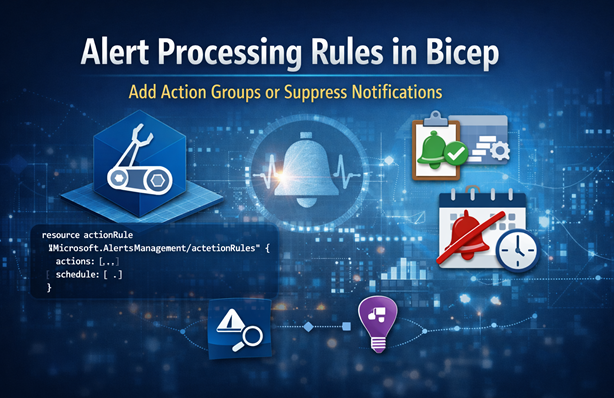
Alert processing rules let you add action groups or suppress notifications without changing alert rules. In this post I explain the actionRules resource in Bicep and show two scenarios: adding an action group and suppressing notifications on a schedule for failed availability tests.
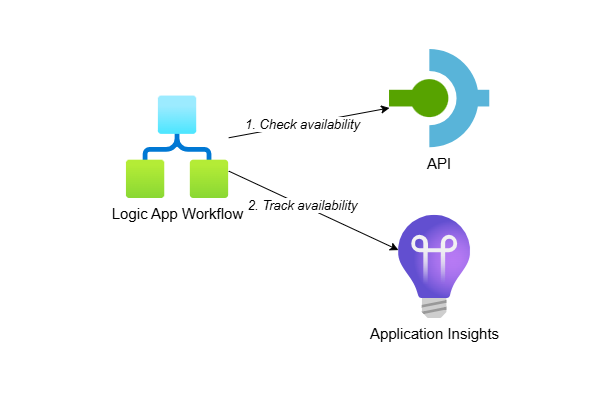
I’ve worked with clients following a low-code first strategy where Logic Apps are preferred over .NET solutions. This post shows you how to create custom availability tests using Logic App (Standard) workflows and track the results in Application Insights. This approach gives you access to all Logic App capabilities while requiring minimal code.