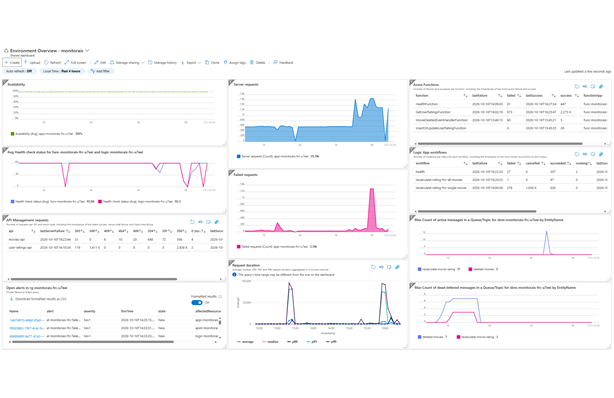
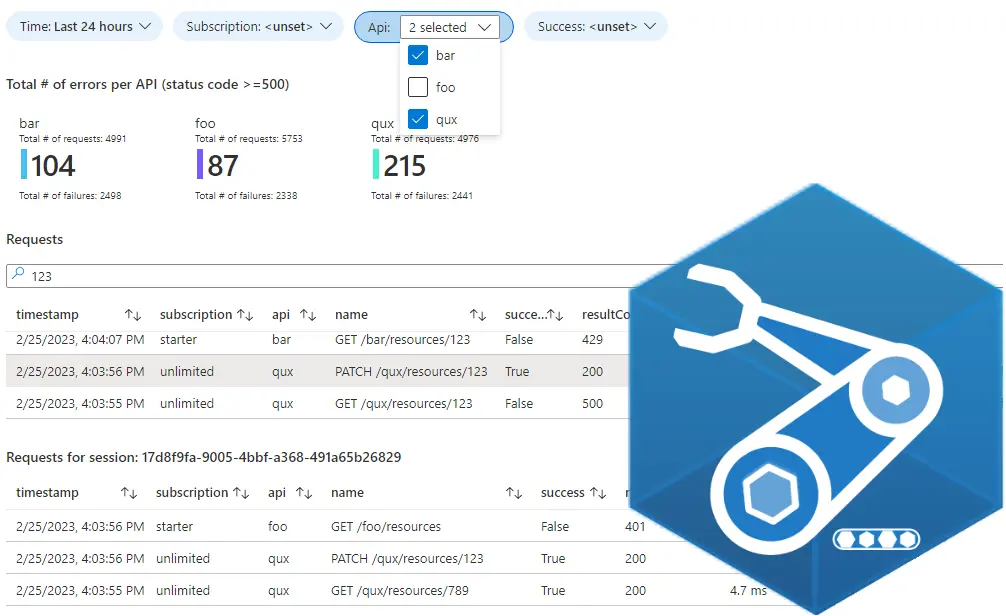
Integrations built with Azure Integration Services can include components from several services, each with its own monitoring experience. In this post, I show how I bring API Management requests, Azure Functions, Logic App workflows and Service Bus signals together in an Azure dashboard, then turn that dashboard into a reusable Bicep deployment.
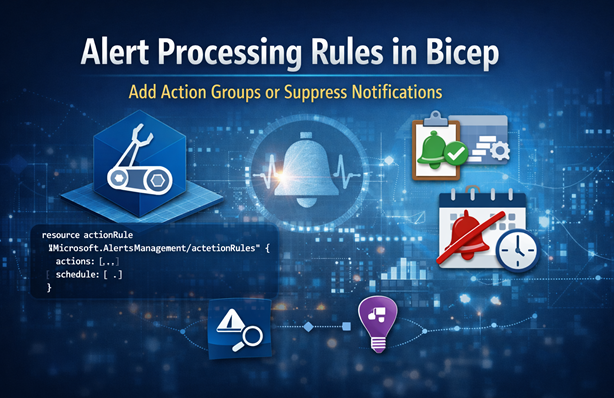
Alert processing rules let you add action groups or suppress notifications without changing alert rules. In this post I explain the actionRules resource in Bicep and show two scenarios: adding an action group and suppressing notifications on a schedule for failed availability tests.
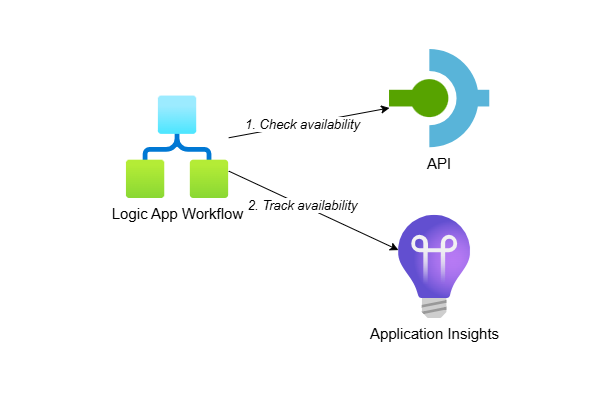
I’ve worked with clients following a low-code first strategy where Logic Apps are preferred over .NET solutions. This post shows you how to create custom availability tests using Logic App (Standard) workflows and track the results in Application Insights. This approach gives you access to all Logic App capabilities while requiring minimal code.
Standard availability tests in Application Insights have limitations like no multi-step authentication, no mTLS support and no access to private networks. This post shows you how to create custom availability tests using .NET and Azure Functions to overcome these restrictions while gaining full control over your monitoring logic.
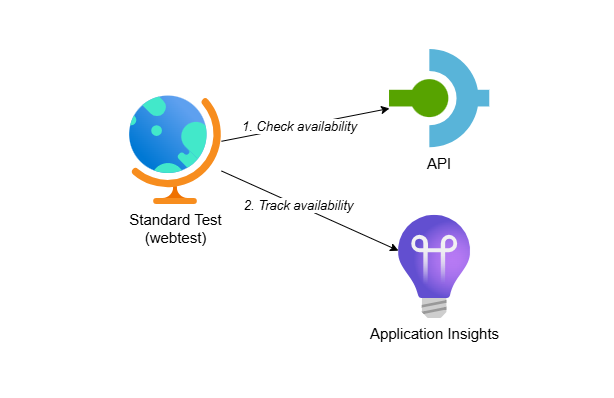
When connecting to external systems in integration projects, availability tests help you monitor system uptime, verify security measures are up to date and confirm systems can be reached. This post shows you how to create Application Insights standard tests through Bicep to automate your availability monitoring with infrastructure-as-code.
In this post I explain how to deploy an Azure workbook using Bicep and set environment specific variables. I’ll also show how to deploy a shared kusto function in Application Insights with the Azure CLI.