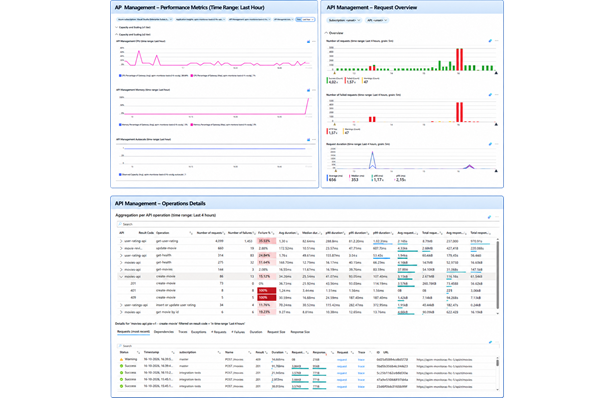
The APIM Requests workbook from my previous post focuses on finding specific API Management requests. The APIM Insights workbook in this post gives more insights into capacity, scaling, request volume and duration. It also shows more information for individual operations, like executed requests, dependencies, number of requests and duration.
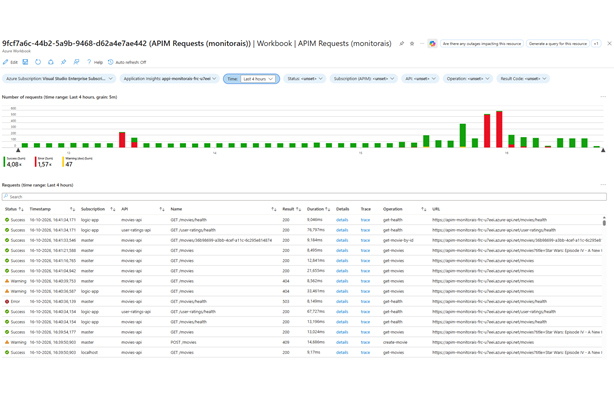
Finding specific API Management requests in Application Insights means re-adding the same filters every time and the results lack API Management specific data. In this post, I walk through an Azure Workbook that can filter on status, subscription, API, operation and result code, and shows a graph over time and a table with the matching requests.
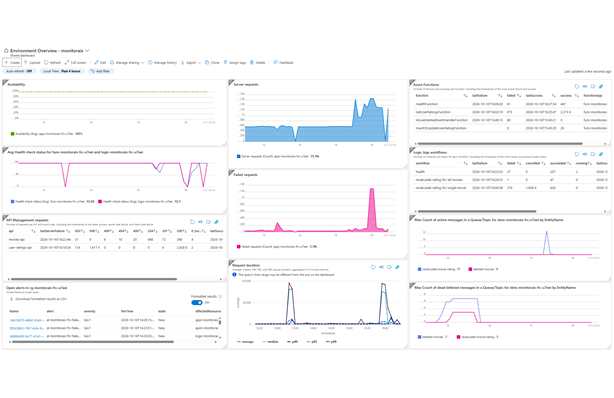
Integrations built with Azure Integration Services can include components from several services, each with its own monitoring experience. In this post, I show how I bring API Management requests, Azure Functions, Logic App workflows and Service Bus signals together in an Azure dashboard, then turn that dashboard into a reusable Bicep deployment.
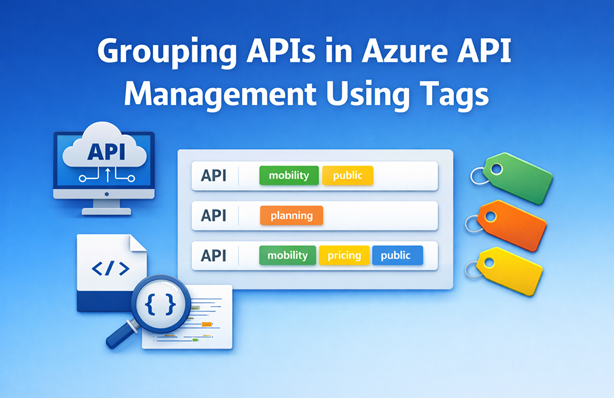
When you have a lot of APIs in Azure API Management, the view can become unwieldy. By applying tags to your APIs you can group and filter them in both the Azure Portal and the Developer Portal. In this post I’ll show you how to assign tags to APIs using Bicep and how to automatically bubble up operation-level tags from an OpenAPI spec to the API level.
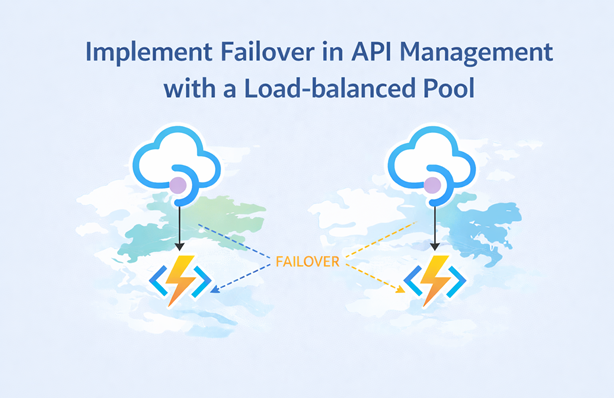
In this post, I’ll show you how to implement (regional) failover in Azure API Management using priority-based load-balanced pools, backend circuit breakers and retry policies. The setup sends traffic to the local backend by default and automatically fails over to the secondary backend when the primary backend becomes unavailable.
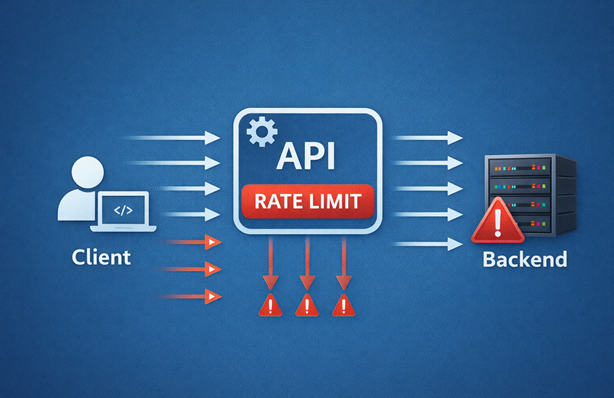
Learn how to use Azure API Management’s rate-limit and rate-limit-by-key policies to protect backends from overwhelming traffic and fairly distribute capacity among clients. Includes practical examples, monitoring guidance and key considerations for different scenarios.