Track Availability in App Insights
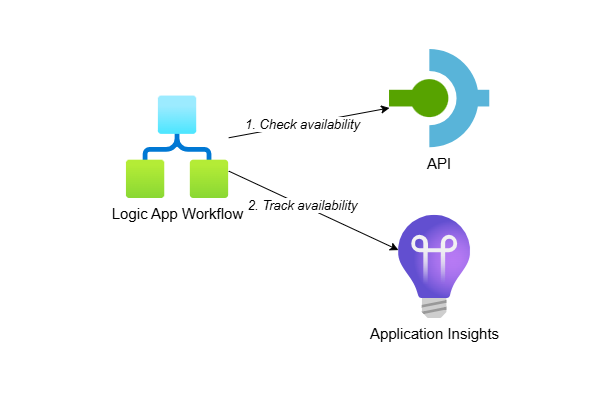
This series explores different scenarios for tracking availability in Application Insights. We cover using standard tests, .NET Azure Functions and Logic Apps workflows to monitor the availability of your backend systems.
Each post includes practical examples that you can deploy and test yourself. All samples are available in a companion repository with complete Bicep templates and Azure Developer CLI (azd) configuration, making it easy to deploy the necessary Azure resources yourself.
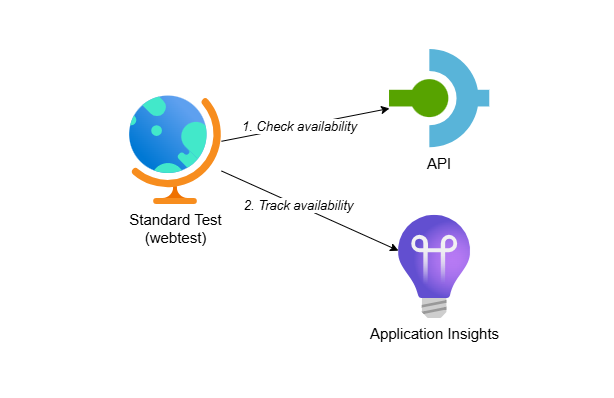
Track Availability in Application Insights using Standard Test
When connecting to external systems in integration projects, availability tests help you monitor system uptime, verify security measures are up to date and confirm systems can be reached. This post shows you how to create Application Insights standard tests through Bicep to automate your availability monitoring with infrastructure-as-code.

Track Availability in Application Insights using .NET
Standard availability tests in Application Insights have limitations like no multi-step authentication, no mTLS support and no access to private networks. This post shows you how to create custom availability tests using .NET and Azure Functions to overcome these restrictions while gaining full control over your monitoring logic.